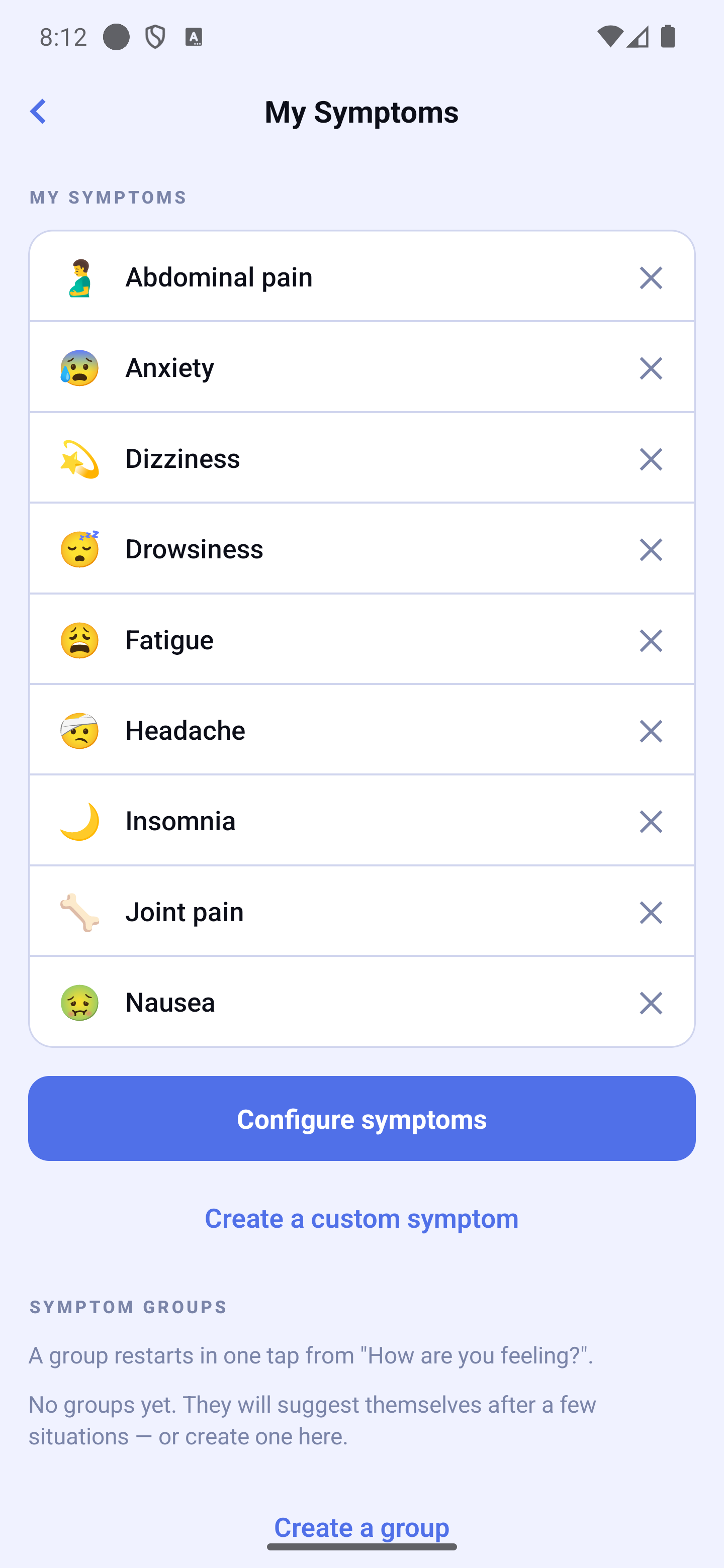
From the very first launch, 9 common symptoms are already pre-configured: Headache, Fatigue, Insomnia, Nausea, Abdominal pain, Joint pain, Dizziness, Anxiety, and Drowsiness. You can remove or add symptoms at any time.
Adding a Symptom from the Catalog
Tap "Configure symptoms".
Browse the catalog or search for a symptom (Search…).
Tap the symptom to add it to your list.
The catalog is grouped into categories (General, Pain, Sleep, Mood & mental, Digestion, Breathing & heart, Movement & senses, Urinary) to help you find the right symptom faster.
Filtering by Disease
By default, the catalog shows common symptoms. Some symptoms that are very specific to a disease (for example those related to Parkinson's disease or multiple sclerosis) appear only when you select that disease in the filter at the top of the screen. Choose your disease to see every symptom associated with it.
Adding a Custom Symptom
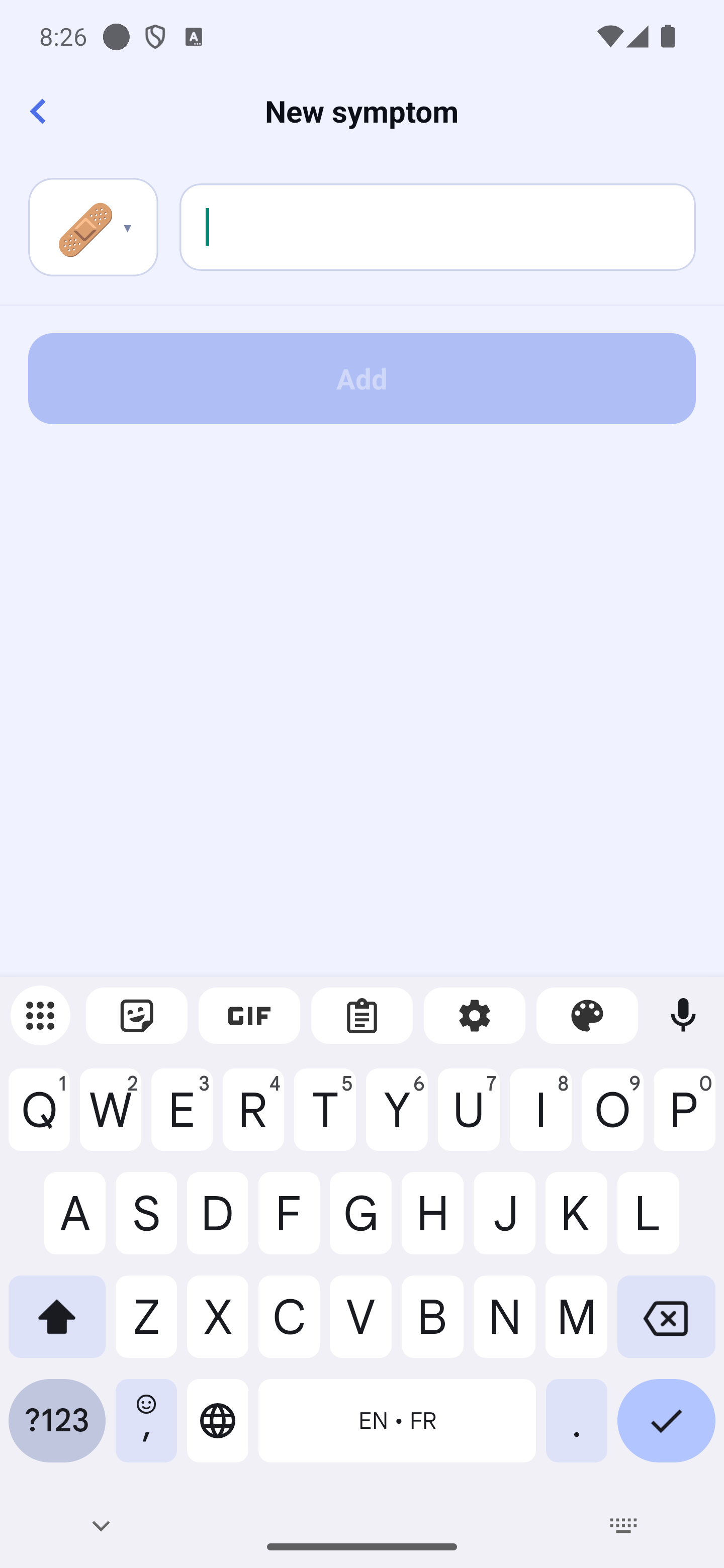
Tap "Create a custom symptom".
Enter the symptom name.
Custom symptom form — text field and icon grid
Choose an icon (tap the icon at the top to open the grid).
Tap "Add".
Deleting a Symptom
Tap the ✕ on the right of the symptom. Further down the same screen, "Create a group" prepares a group of symptoms to restart in one tap.